The native UI
for Apple Containers
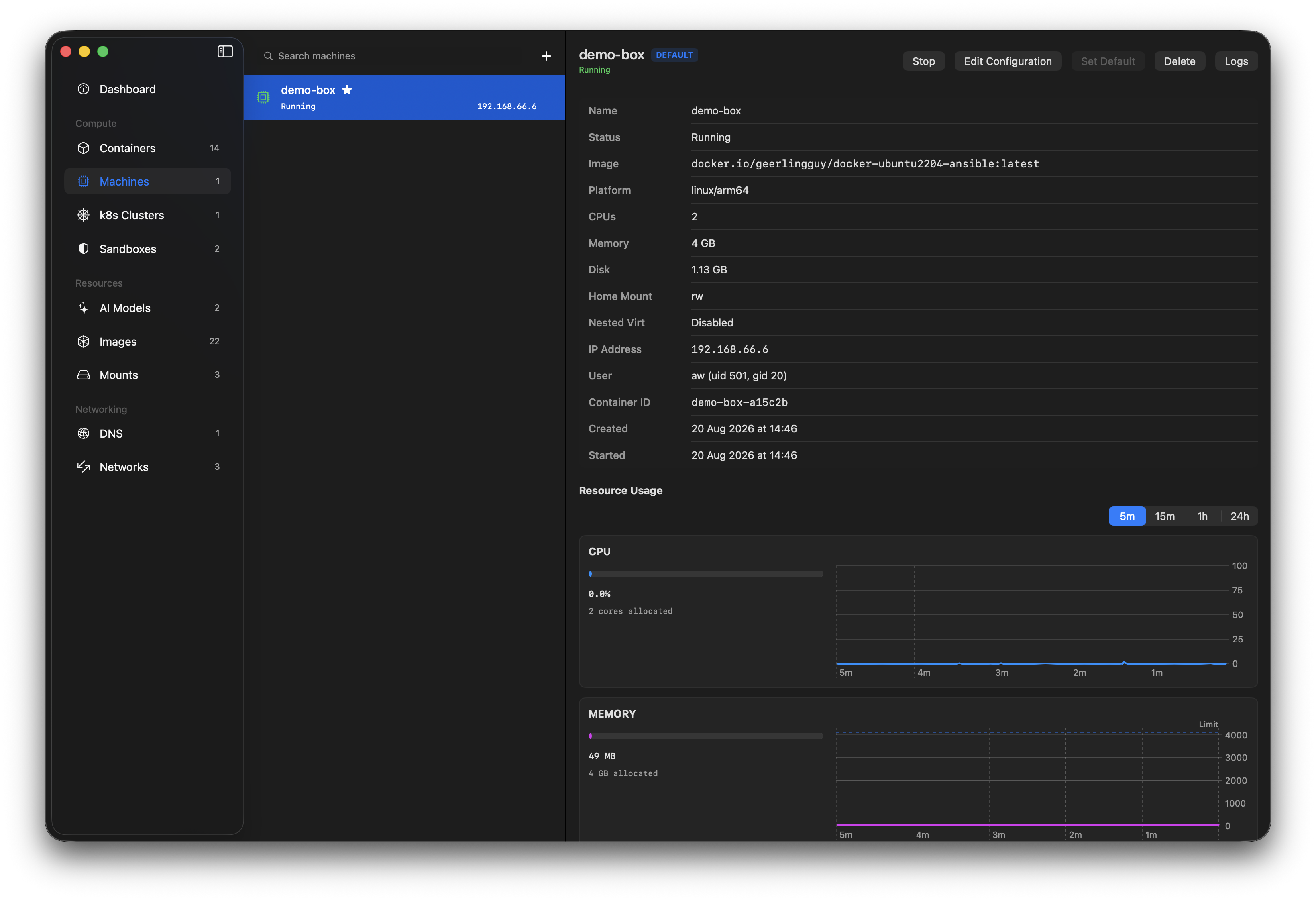
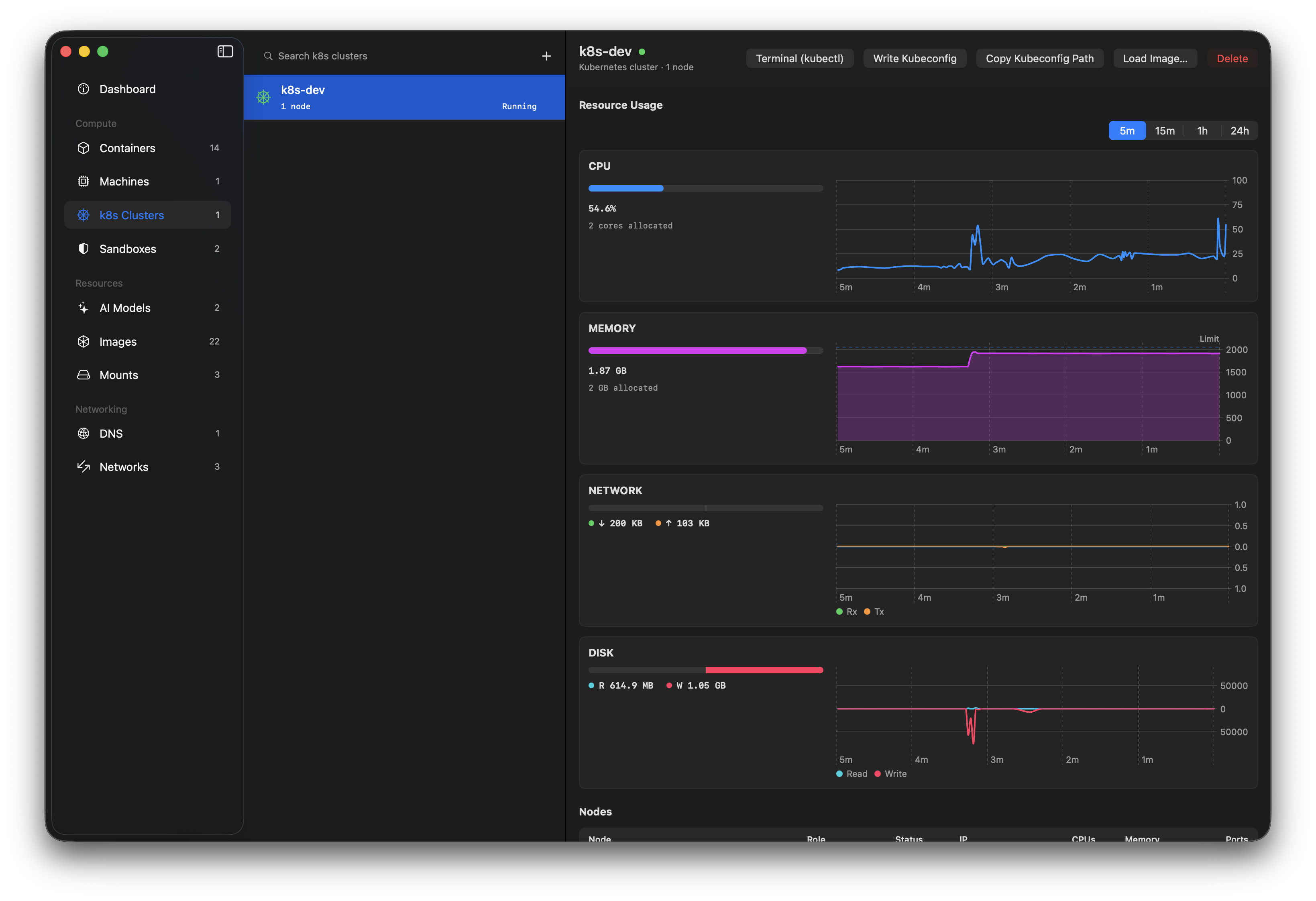
Orchard is the best app for Apple's container tooling. It allows you to manage containers and machines, local kubernetes clusters, bridge local AI models into them, and run agents in isolated sandboxes, all without needing to drop to the CLI.
It is being used by engineers at Apple, Microsoft, NVIDIA, IBM, Stripe, LinkedIn, Uber, GitHub, Amazon, VMware, Alibaba, Tencent, MongoDB, Honeycomb and Vercel amongst many others.
brew install orchard
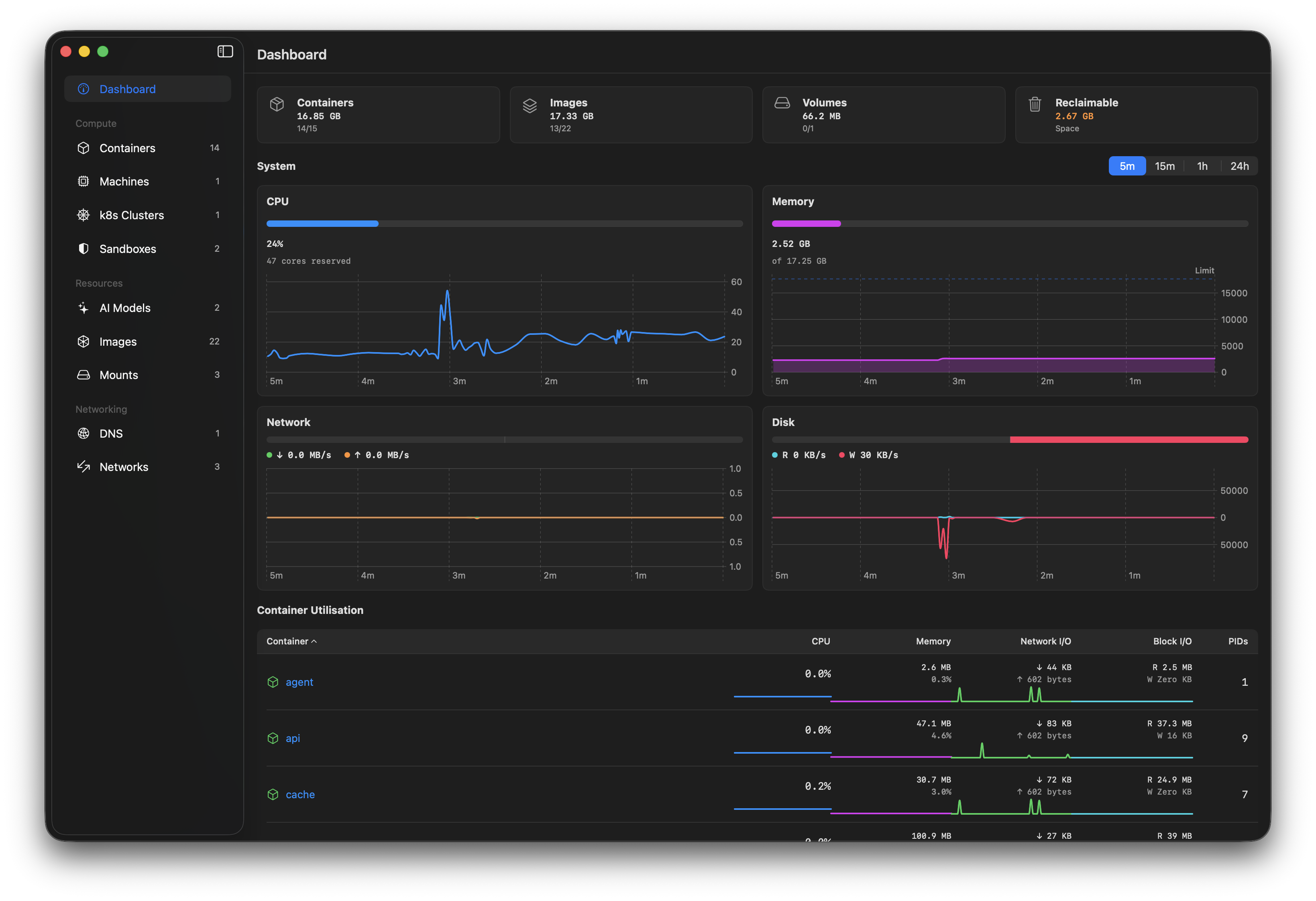
Built for the desktop:fast, focused, native
Orchard is a native Swift app that uses the XPC protocol for efficiency, and is fully signed. No Electron, no web views, no performance issues from shelling to the CLI.
Compose
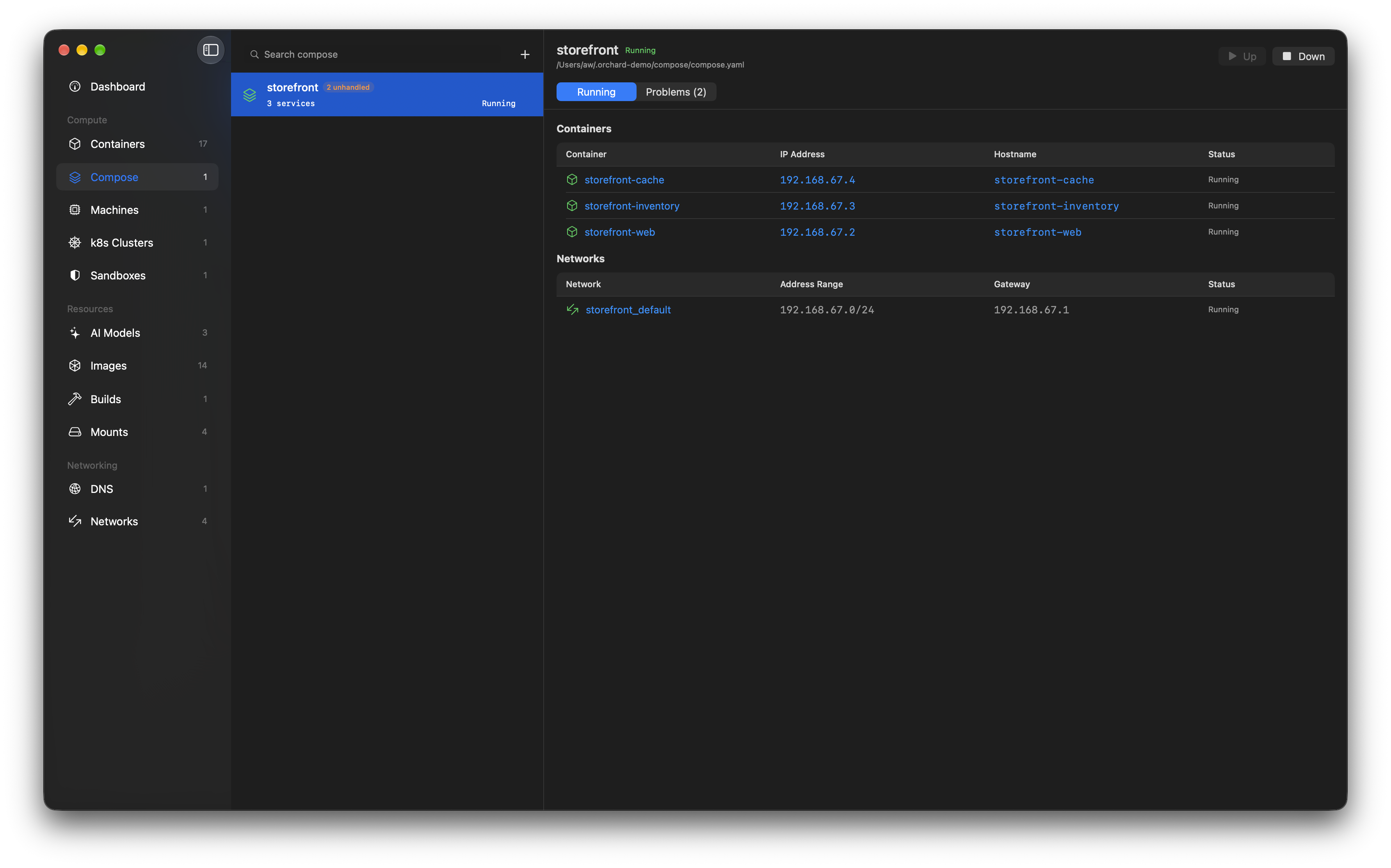
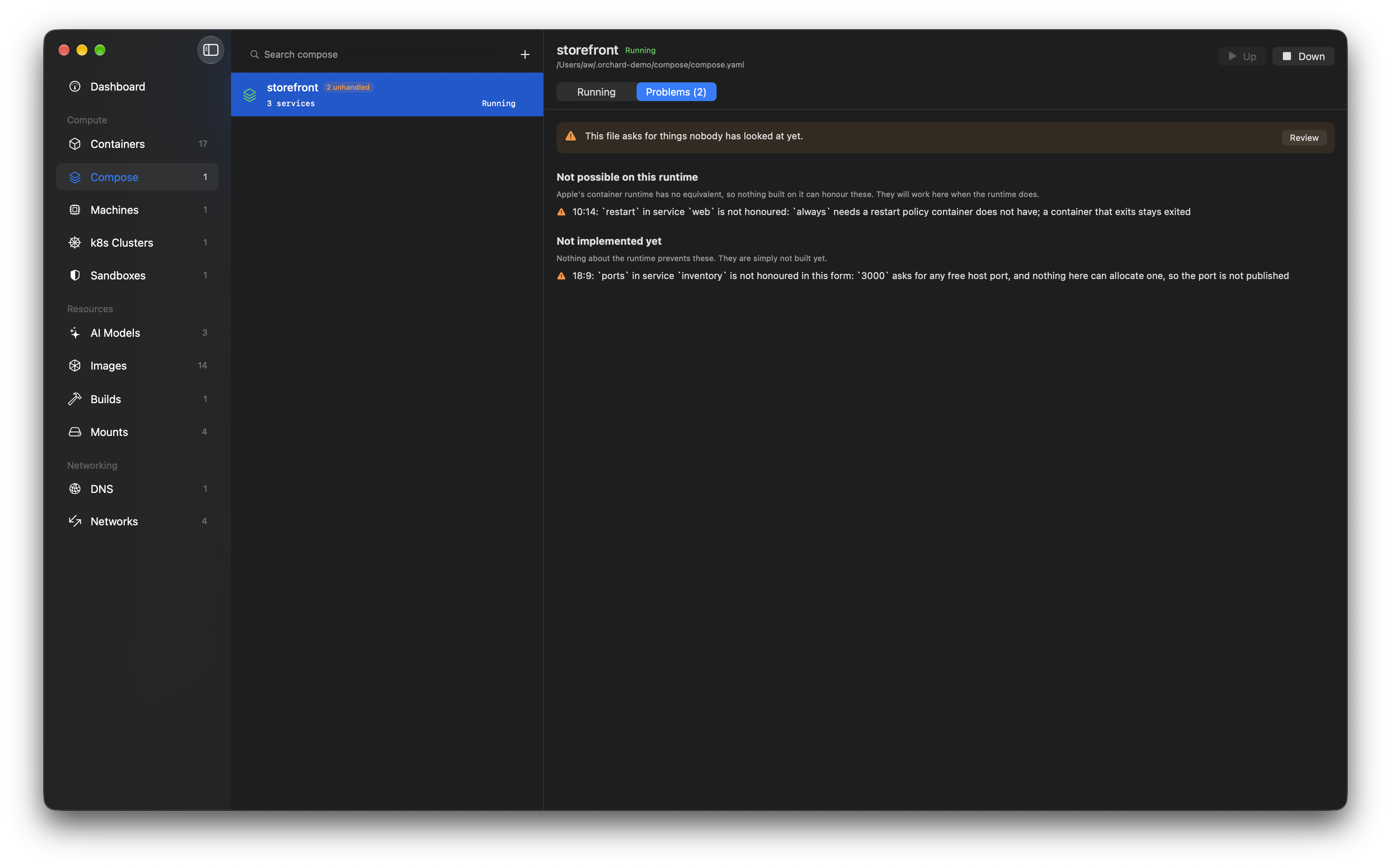
Bring your compose files
Point Orchard at a compose.yaml and bring the whole project up in dependency order, or
take it down again. Projects are found by the labels on their containers, so a stack you started in the
terminal appears here without being imported, and the same planner backs the
container compose plugin.
No silent drops
It tells you what it will not do
Anything the file asks for that cannot be honoured is listed before the first run, split into what the runtime makes impossible and what is simply not built yet, each with the line it sits on. The project goes on showing it afterwards, because three weeks later nobody remembers what they accepted.
Containers
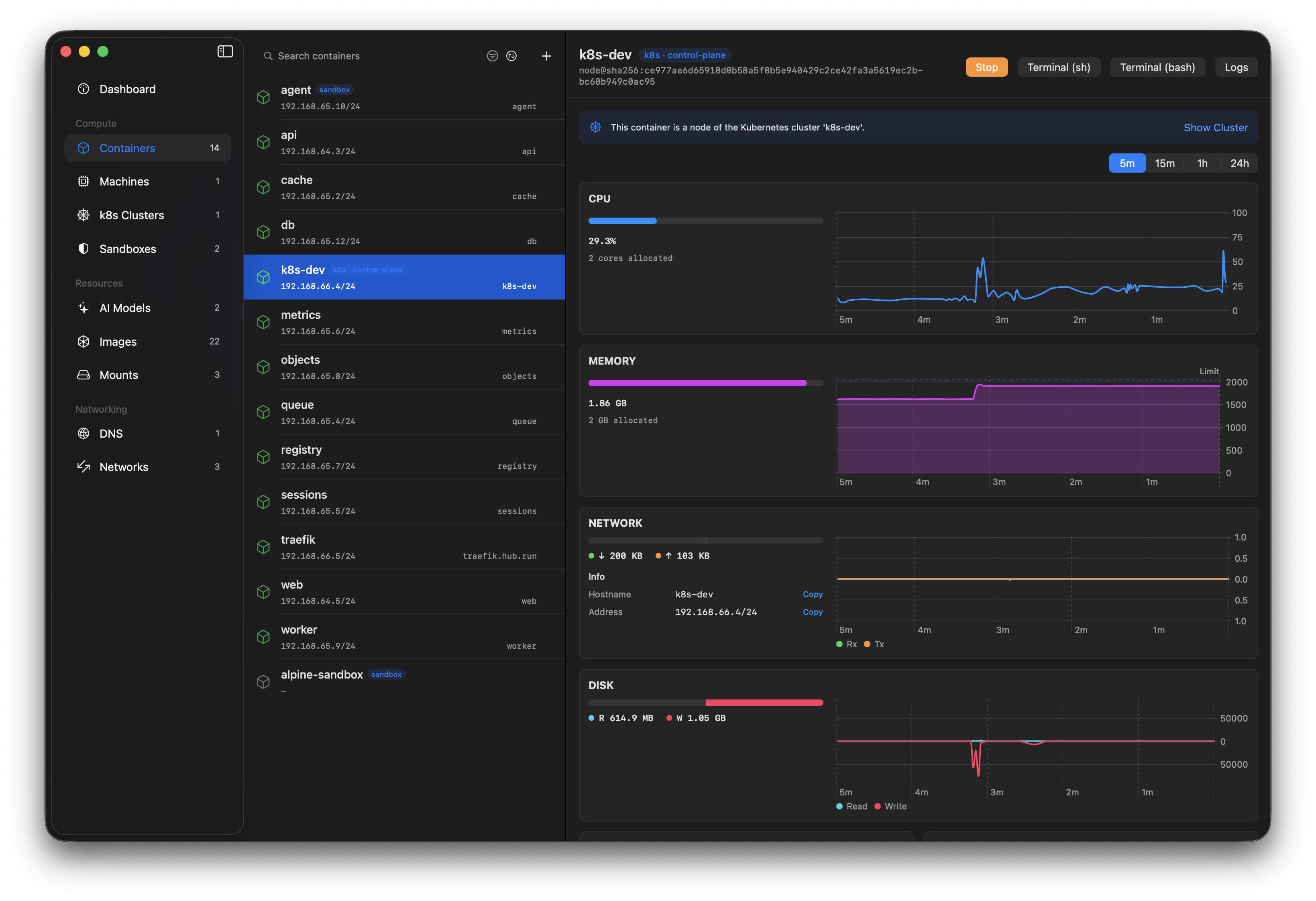
Manage your containers live, with filtering, grouping and bulk actions.
Local AI models
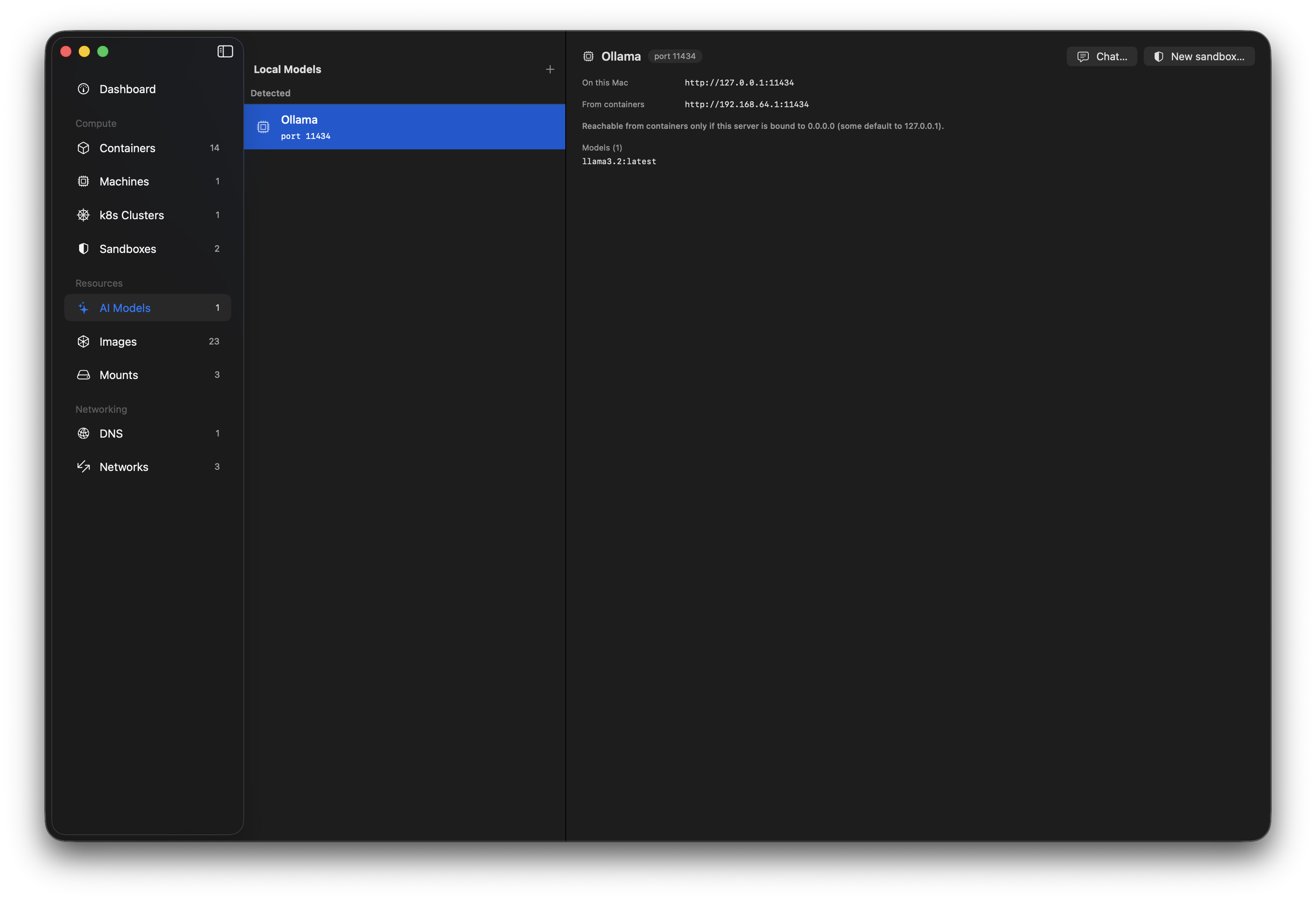
Discover MLX, Ollama and LM Studio servers on your Mac - and bridge them into your containers. Inference stays on the Silicon. Learn more →
Sandboxes
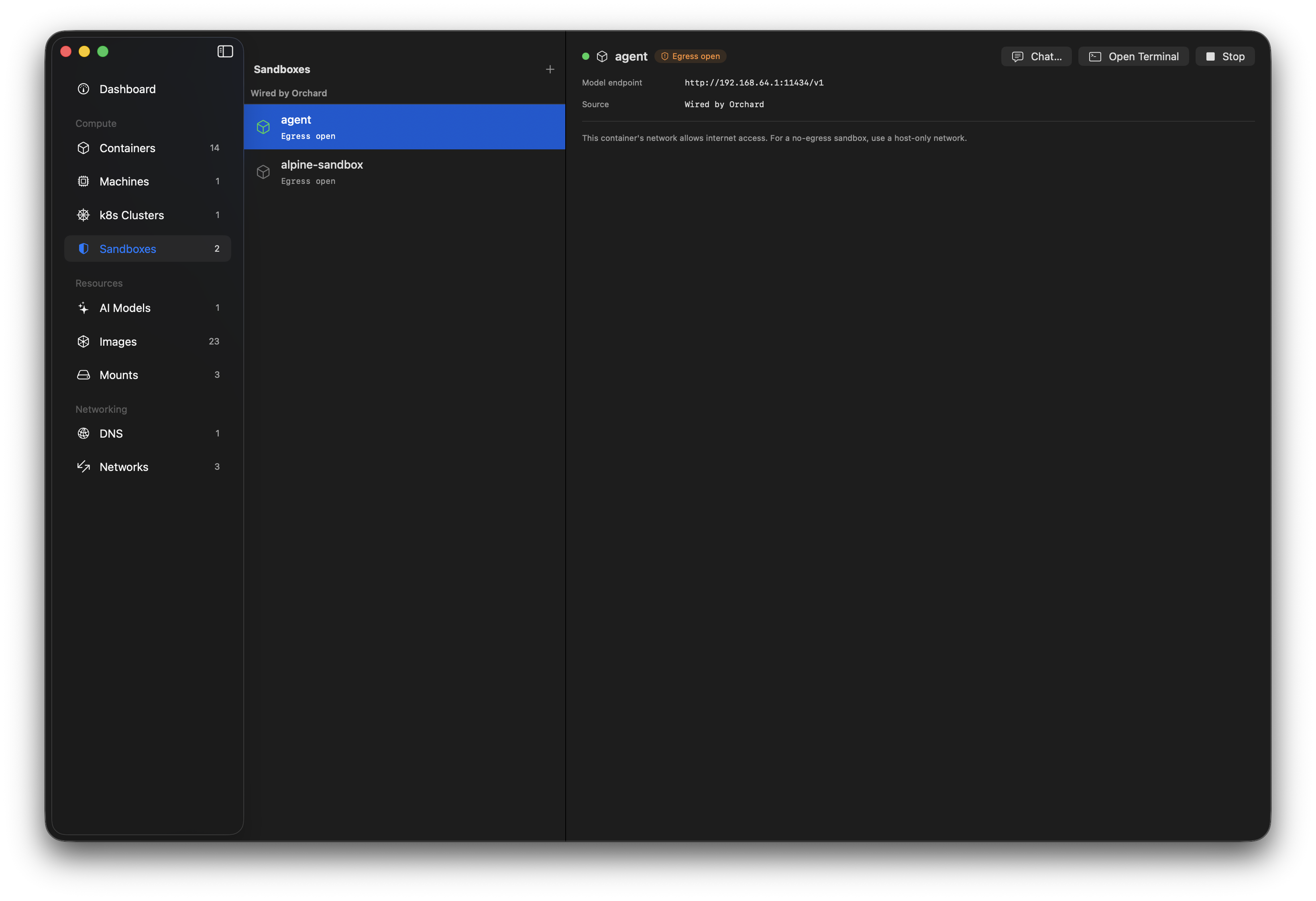
A sandbox is a container wired to a local model on a host-only network: it can reach the model but not the internet, with a kill-switch. Run your own agents safely. Learn more →
Command palette
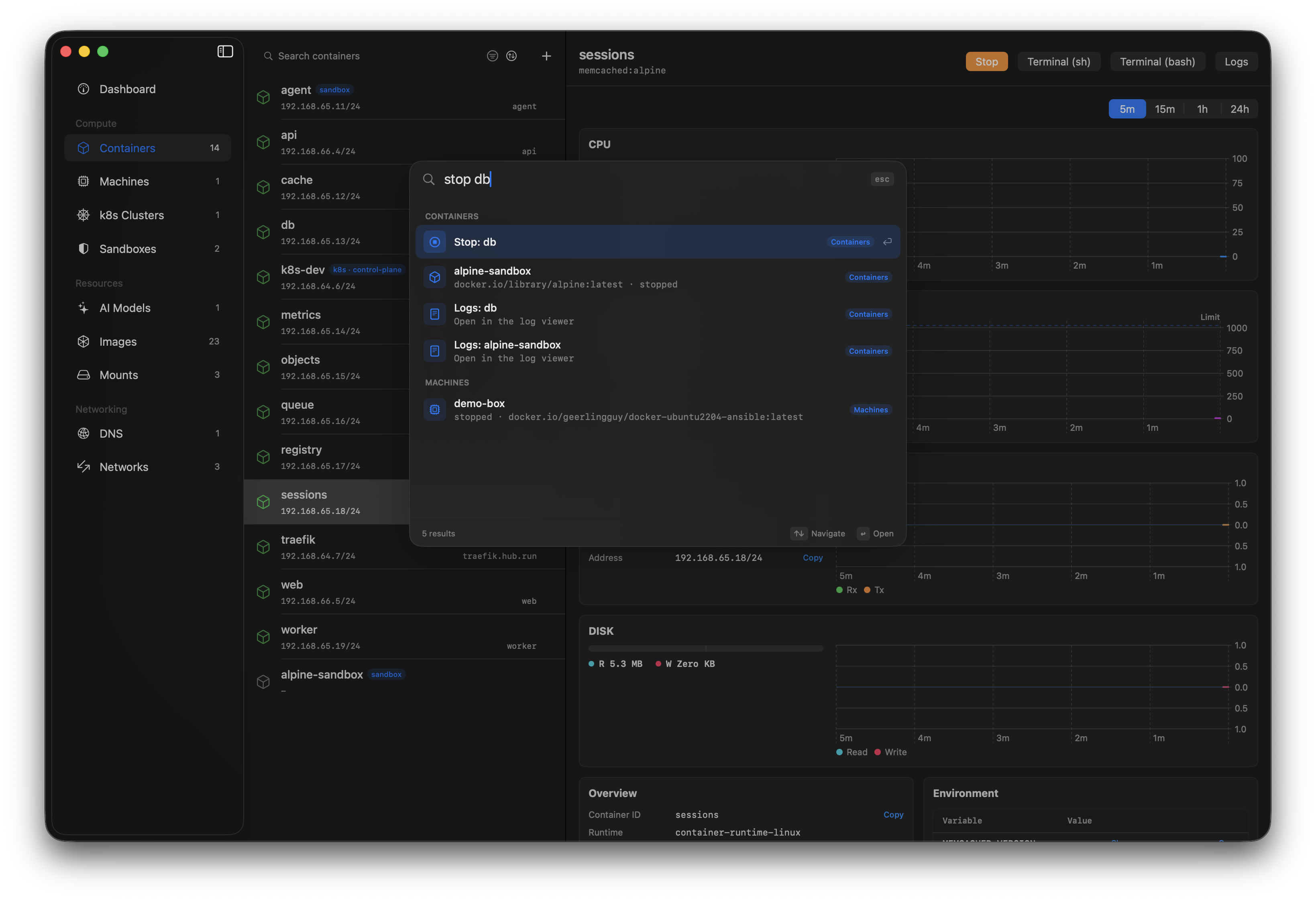
Cmd+K fuzzy-searches every resource and runs actions from the keyboard - "stop db", "logs api", "console web".
Image management
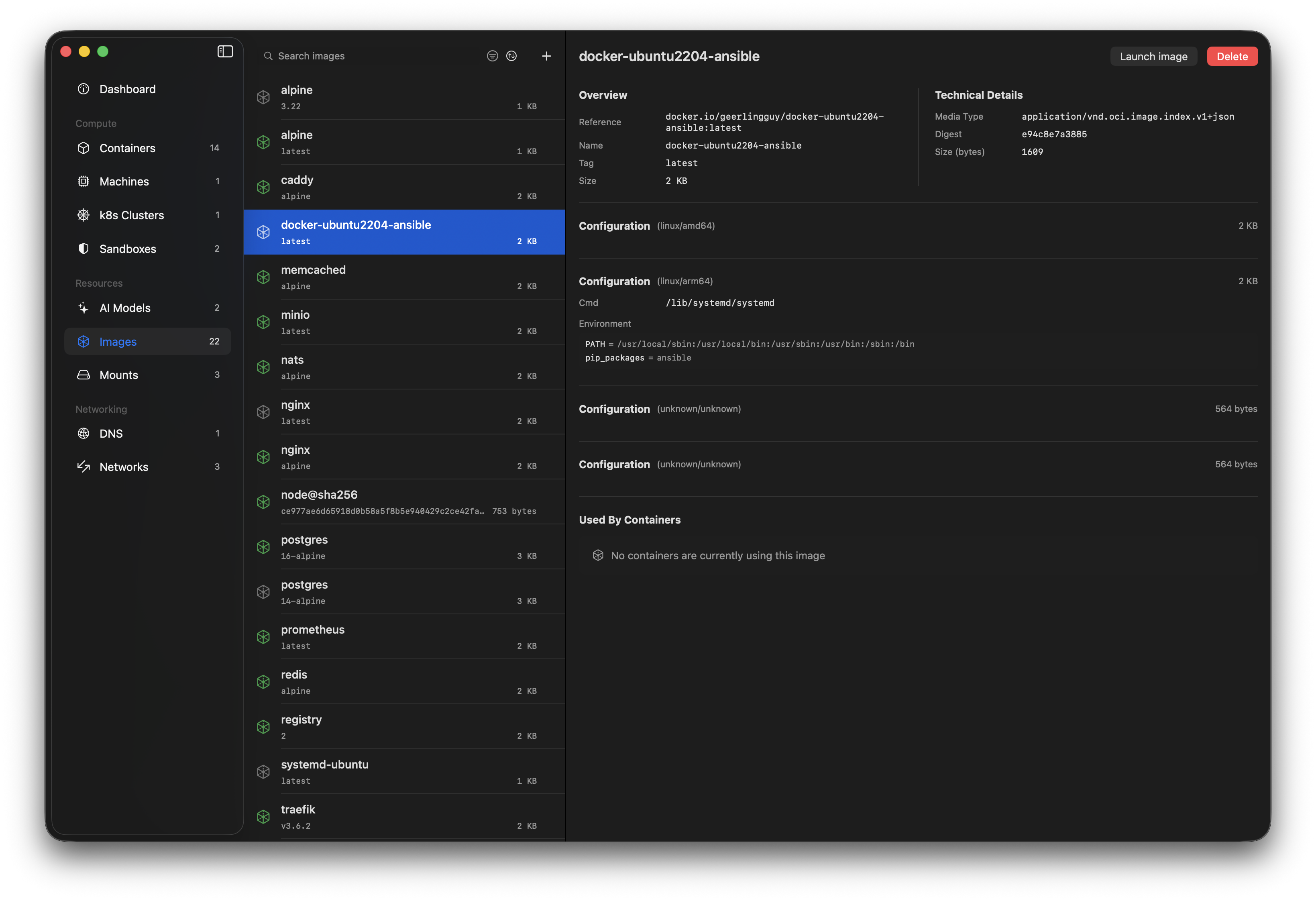
Pull, delete and search Docker Hub directly, and run containers straight from an image.
Multi-pane logs
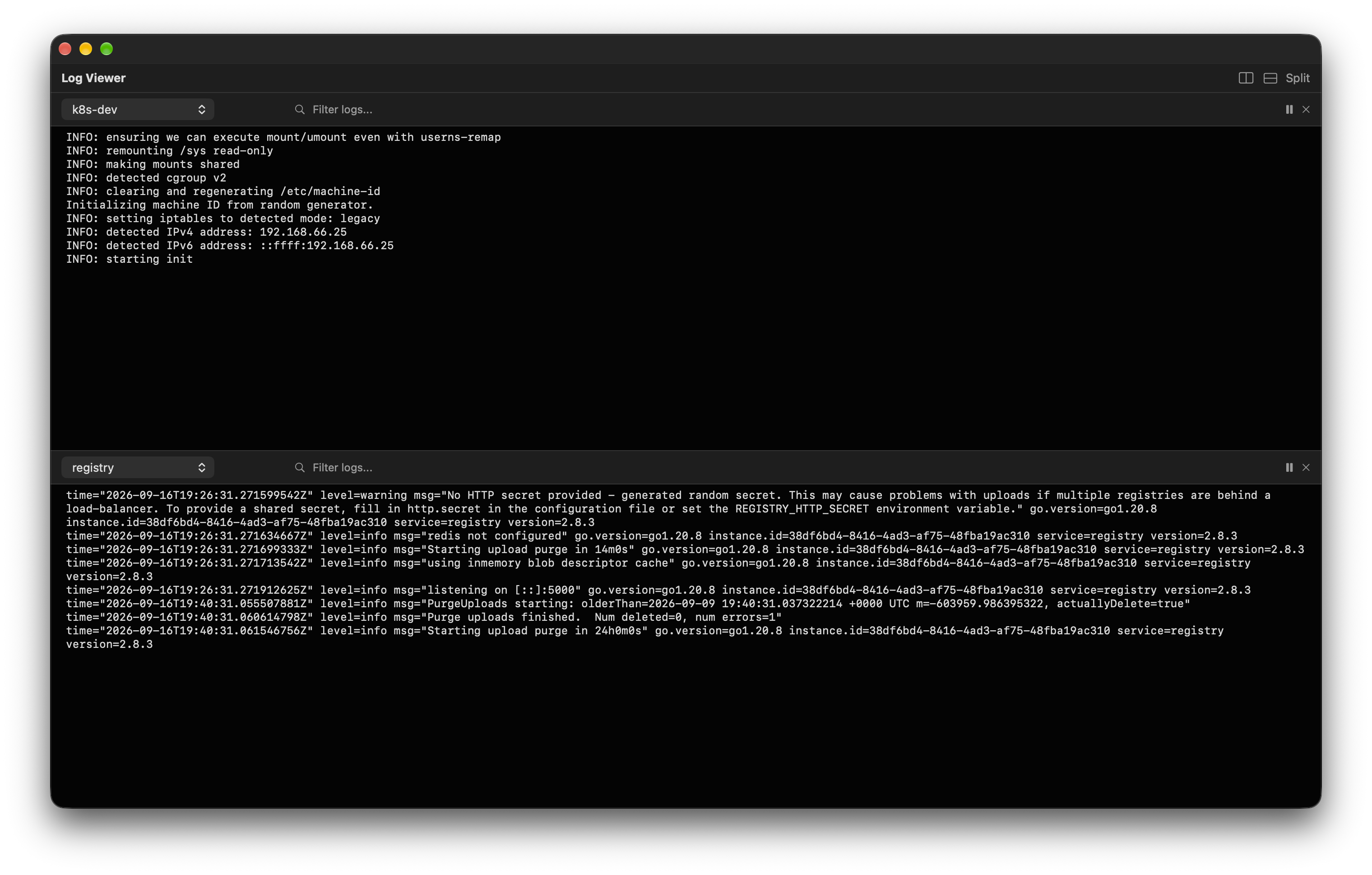
Stream logs from several containers side by side, with split panes and line filtering.
Networks
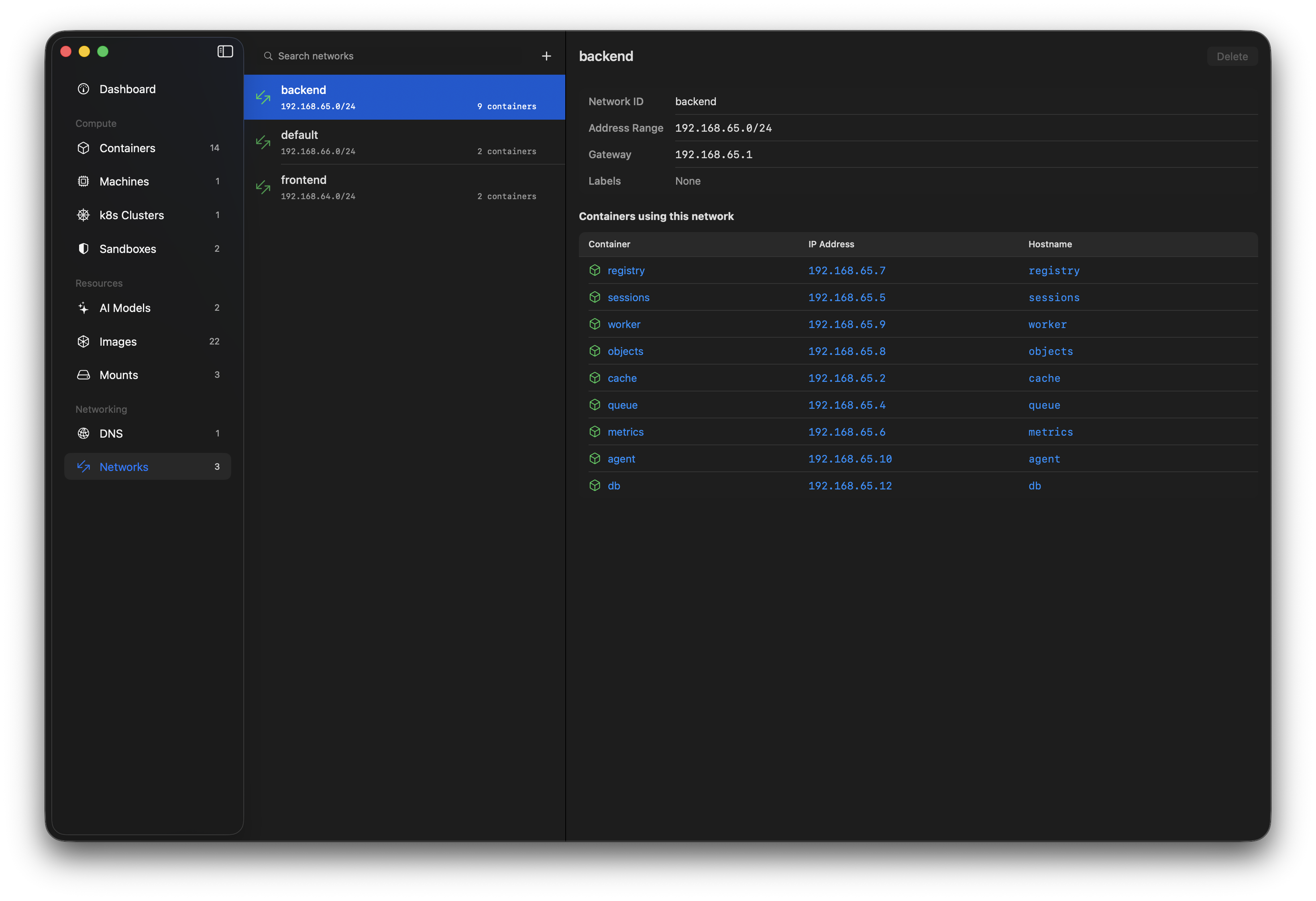
Every container gets its own local IP. Control your networks of containers, machines, clusters and sandboxes.
DNS domains
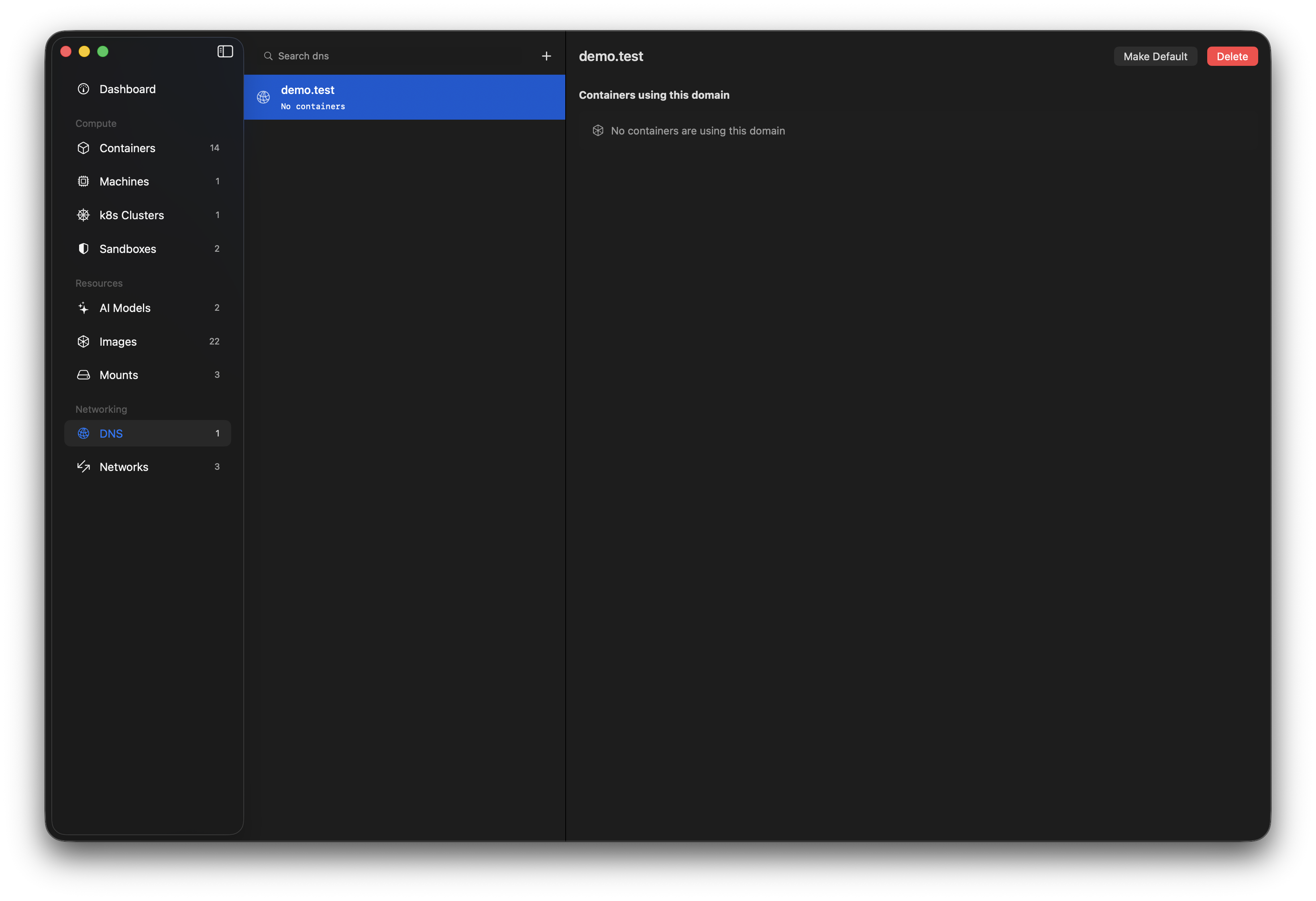
Give containers real hostnames. Set the default DNS domain and add or remove domains without root gymnastics.
Mounts
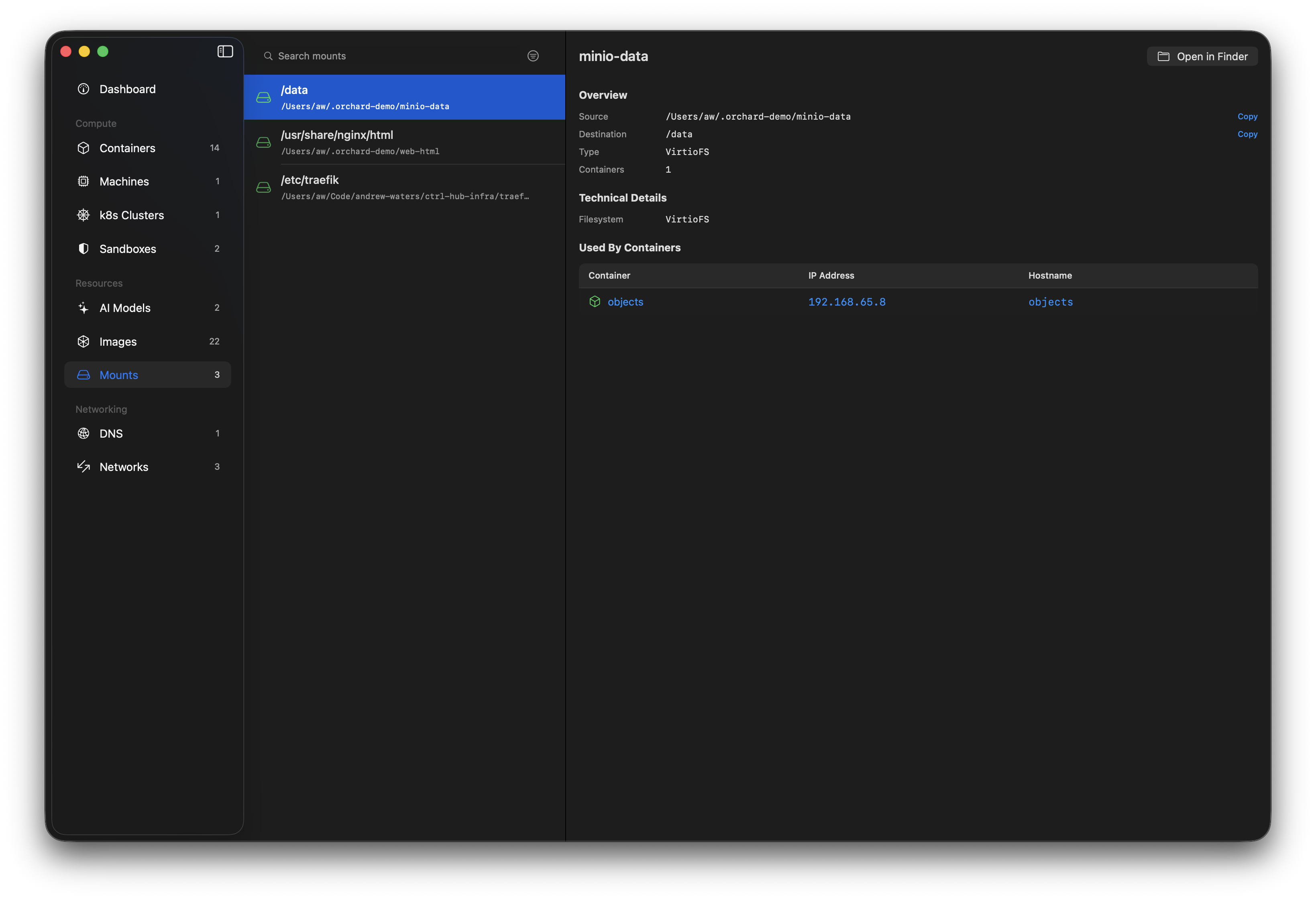
See which host paths and volumes each container mounts, and jump straight to them in Finder.
Menu bar
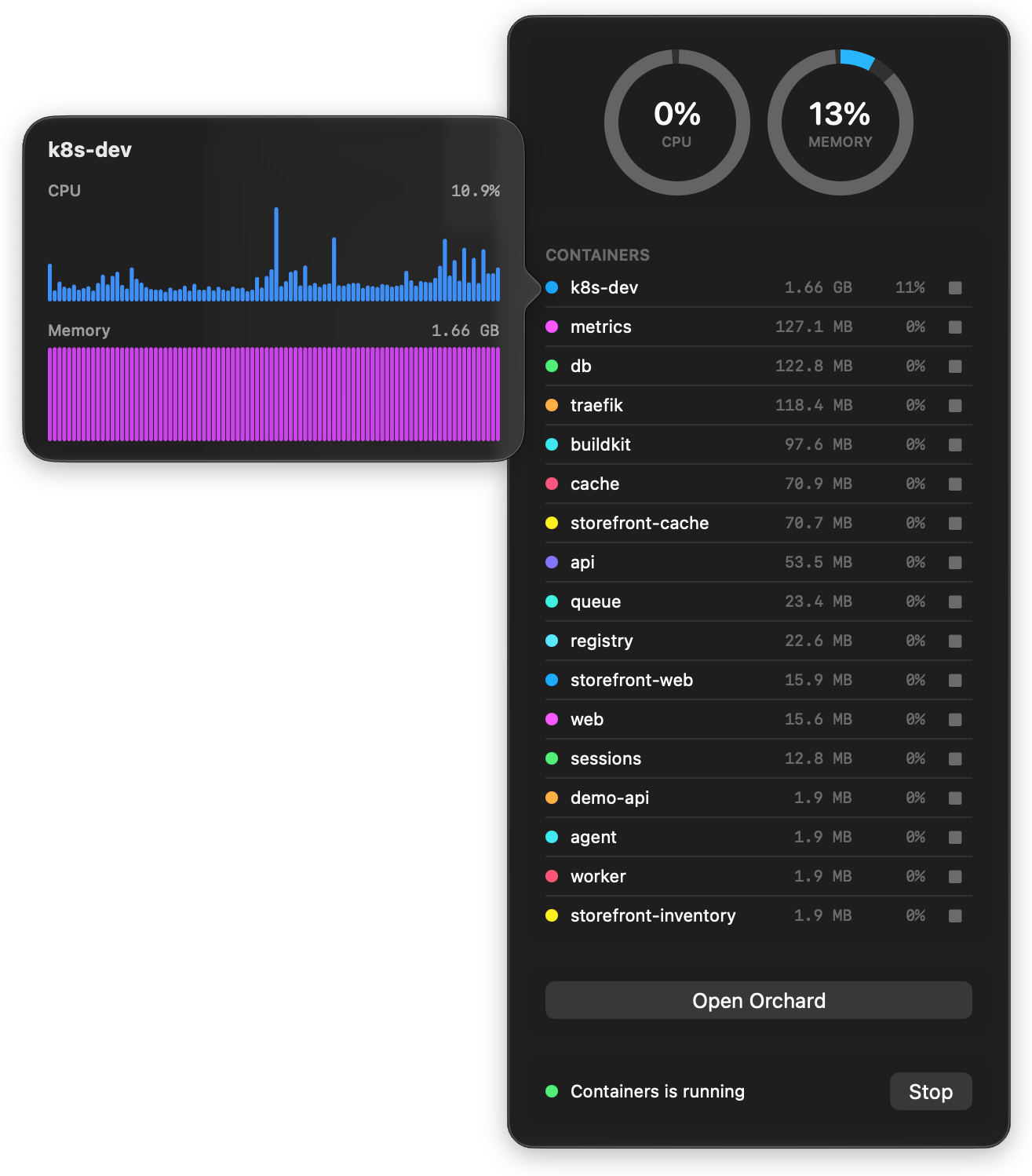
One click in your memory bar and you can see what's running and how it's using resources.
Dashboard
A helicopter view of everything container is running.
Get started in seconds
Every release is code-signed with a registered Apple Developer ID and notarised by Apple, so it installs cleanly with no Gatekeeper warnings.
Recommended
Homebrew
brew install orchard
Manual
Direct download
Download the latest .dmg and drag Orchard to Applications. Earlier versions are on GitHub Releases.
From source
Build it yourself
Clone the repo and open Orchard.xcodeproj in Xcode - dependencies resolve automatically.
Requires macOS 26 (Tahoe) and Apple Container installed.